How to Merge PDF Files Online Without Losing the Page Order
A practical way to arrange, combine, and verify several PDFs while keeping every page in the intended sequence.
On this page
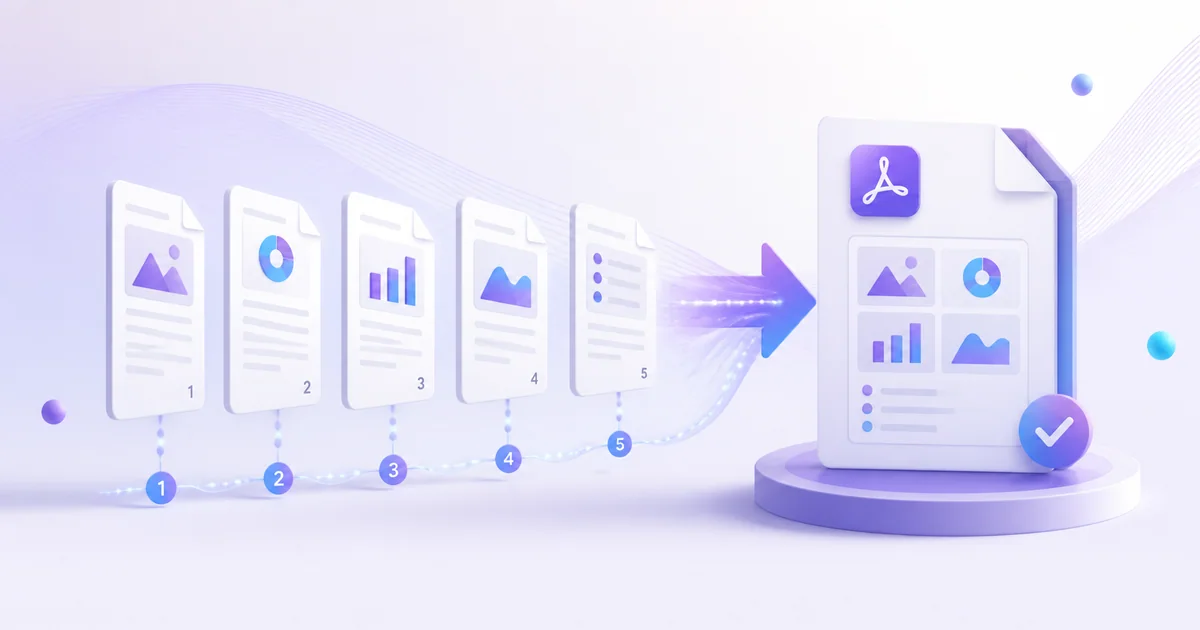
Page order is the detail that most often goes wrong when reports, receipts, or application documents are combined. The safest workflow is to decide the sequence before processing, use meaningful filenames, and inspect the finished document rather than assuming the upload order was retained.
This guide explains a careful workflow using Merge PDF. Work with a copy when the source matters, and always inspect the output before submitting, sharing, or deleting anything.
Before you start
Use the final source file, close it in other applications, and confirm that you are authorised to process its contents. A stable connection helps with uploads, but the quality of the result still depends on the source. Password-protected or severely damaged files may need attention before processing.
Step-by-step workflow
- Rename source files with a numeric prefix such as 01-cover and 02-report.
- Open the XPPDF Merge PDF tool and add every source PDF.
- Drag the file cards into the exact reading order.
- Start the merge and wait for the completed result.
- Download the new PDF and check its first, transition, and final pages.
Quality checks
Do not judge a document only from a successful download message. Open the result in a PDF reader and check these points:
- The cover is first and appendices are last.
- No source document appears twice.
- Portrait and landscape pages remain readable.
Practical notes
- Keep the originals until the merged copy has been reviewed.
- If one source is incorrect, fix that source and merge again instead of editing the final file blindly.
Privacy and file handling
Only upload documents you are permitted to process. XPPDF uses short-lived processing storage; signed-in users can keep eligible workspace files for up to three days, while guest jobs have a shorter retention period. Download important results promptly and remove files you no longer need from your workspace.
Frequently asked questions
Does the process change my original file?
The tool creates a new output. Your local original remains unchanged unless you deliberately replace it after downloading.
Should I check the output before using it?
Yes. Check page count, readability, order, and any critical names, totals, dates, or signatures. Automated processing cannot understand the business meaning of every document.
Can I continue with another PDF task?
Yes. After checking the result, use the workspace actions or visit all XPPDF tools to continue with a relevant task. Choose only the operations you actually need so that quality is not reduced by unnecessary repeated processing.
Final checklist
- Keep the original until the result is accepted.
- Open the downloaded output rather than relying on its filename.
- Confirm the file meets the recipient's format and size rules.
- Protect confidential documents after download.
For this task, open Merge PDF and follow the steps above.
Keep learning
Related guides
Guide
How to Edit a PDF Online and Review the Export
Make focused PDF edits, export a new copy, and verify that annotations and page content appear correctly.
Read guideGuide
How to Convert a PDF to PowerPoint for Editing
Convert PDF pages into a presentation, understand the limitations, and review the editable result.
Read guideGuide
How to Convert PDF Tables to an Excel Spreadsheet
Extract tables from a PDF into Excel and verify rows, columns, numbers, and headings before analysis.
Read guide